
PoxiLauncher
Minecraft with friends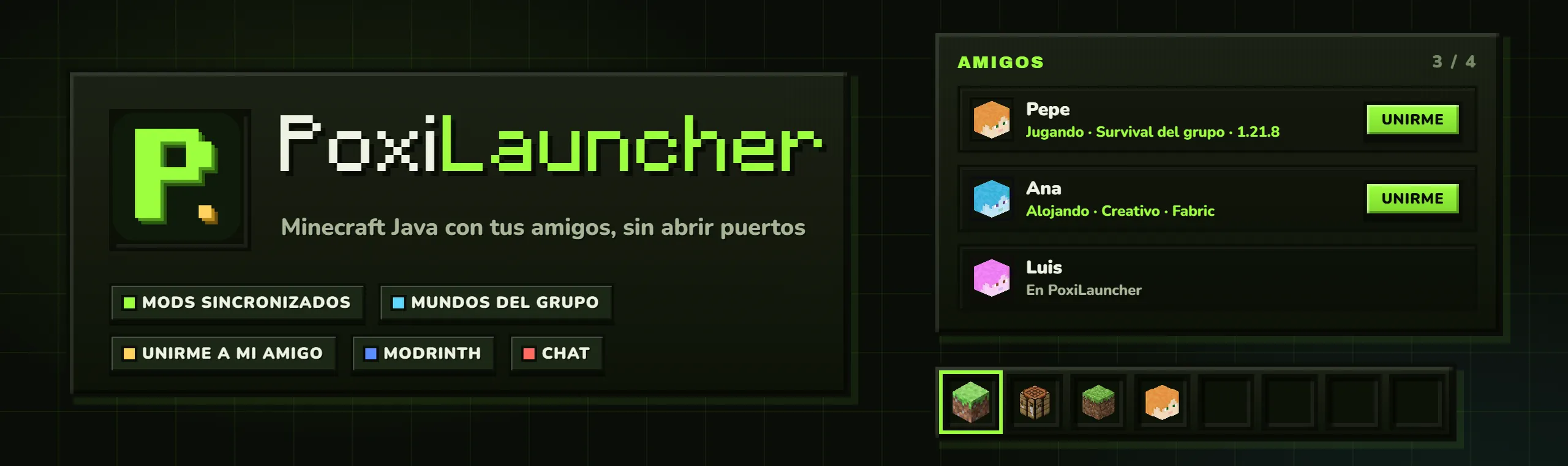
Play Minecraft with your friends, no hassle: the same mods for everyone, the group world in the cloud and no fighting with the router.
Free, open source and ad-free. Download it, install it, done.









Every app is tested on Windows 10 and 11. Tap one to see screenshots and how to install it.
Apps for Windows 10 and 11. From your Mac you can still download them, for example to take them to a PC: it asks how before it starts.
Play Minecraft with your friends, no hassle: the same mods for everyone, the group world in the cloud and no fighting with the router.

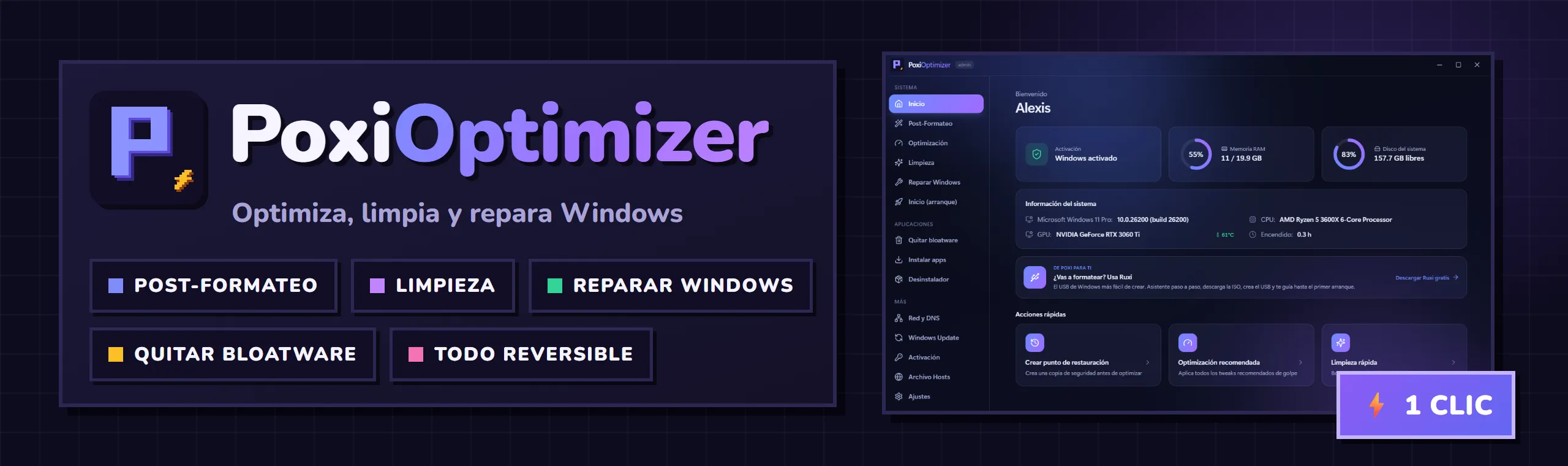
Clean, repair and speed up Windows from one place. The settings it changes can be undone.

A fast terminal with SSH, SFTP and your Claude Code or Codex sessions in a single window.

Password manager and generator: everything lives in one encrypted file on your PC, with no cloud and no accounts.

One USB with all your ISOs, built on Ventoy and in Spanish: copy Windows and Linux images and pick which one to boot.

An equalizer for all of Windows sound: games, music and calls go through your curve, with zero delay and no reboot.

Your local music in a light player that tells you whether each file is what it claims: the "320" MP3 that is really a 128, the FLAC that came from an MP3.

Install Windows from a USB stick with a step-by-step guide, even if you know nothing about computers.

A complete, no-fuss autoclicker: pick the speed, set a hotkey and save your profiles.

See at a glance what is filling your disk: every block takes up exactly the space it uses.

Your PC's temperature, usage and power draw in real time, also in a small window on top of your games.
Yes. Windows shows this warning for any new app that has not paid for a signing certificate. My apps are open source: anyone can review the code.
Recreation of the Windows warning
Apps for macOS, free and open source. They are not signed by Apple yet, so macOS blocks them the first time: open the app, close the warning and go to System Settings → Privacy & Security → Open Anyway.
Play Minecraft with your friends, no hassle: the same mods for everyone, the group world in the cloud and no fighting with the router.
A fast terminal with SSH, SFTP and your Claude Code or Codex sessions in a single window.
One USB with all your ISOs, built on Ventoy and in Spanish: copy Windows and Linux images and pick which one to boot.
Your local music in a light player that tells you whether each file is what it claims: the "320" MP3 that is really a 128, the FLAC that came from an MP3.

Shake the mouse while dragging a file and a floating shelf appears: drop it there, switch apps and take it out wherever you like. A free alternative to Dropover.

macOS reads Windows drives but will not write to them. With PoxiNTFS you plug the drive in, press Enable writing and use it like any other. Free, with a Spanish interface.
When it finishes, open it. If Windows warns you, click More info and then Run anyway. Why does it show up?
When it finishes, open the .dmg and drag the app to Applications. If macOS blocks it, go to System Settings → Privacy & Security → Open Anyway. Why does it show up?